
Research
ReeseWho it’s for. What to say.
Read competitor pages, customer questions and threads on Reddit, HN and X. Come back with positioning, homepage language and the objections you still need to answer.
A team of agents that handles marketing tasks for every product you ship. Connect your favourite tools, bring your own models, and give the team its first task.
Self-hosted. Full source code. Bring your own model.
One-time purchase. Hosting and model usage billed separately.
Currently in development. The release date will be published with checkout.
Each agent owns one job. Enough of them that the marketing does not fall back on you.
Add your product, connect your tools and put them to work.
Who it’s for. What to say.
Read competitor pages, customer questions and threads on Reddit, HN and X. Come back with positioning, homepage language and the objections you still need to answer.

Get found in search and cited in AI answers.
Find the queries your buyers use, brief the posts they need and flag gaps that hurt rankings. Shape pages so AI search tools can find and cite your product.

Ground the marketing in the product.
Read connected GitHub source files and explain how the product works, with links to the code behind the answer.

Write it. Publish it.
Turn shipping notes, customer questions and video takeaways into posts in your voice — and publish when you approve.

Make the page do the selling.
Rewrite landing pages, pricing pages and launch pages. Tighten the offer, the headline and the reason to buy.

Keep the list warm.
Draft newsletters, launch emails and follow-ups with subject lines and a reason to open.

Post like you. Without opening X for an hour.
Write posts from what you’re building, in your voice, using your own X history so the next update sounds like you.

Start conversations you don’t have time for.
Write cold email sequences and DMs from your offer, with follow-ups that stay specific.

Find out what’s working. Plan what to make next.
Review channel analytics, compare video performance and develop ideas, titles and outlines from the results.

Test paid attention.
Draft angles, headlines and primary text for the ads you actually run, and keep them consistent with the page.
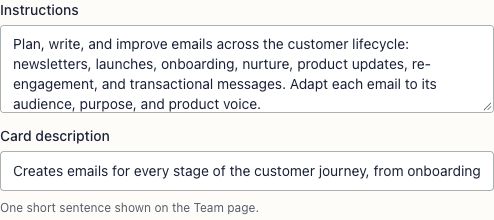
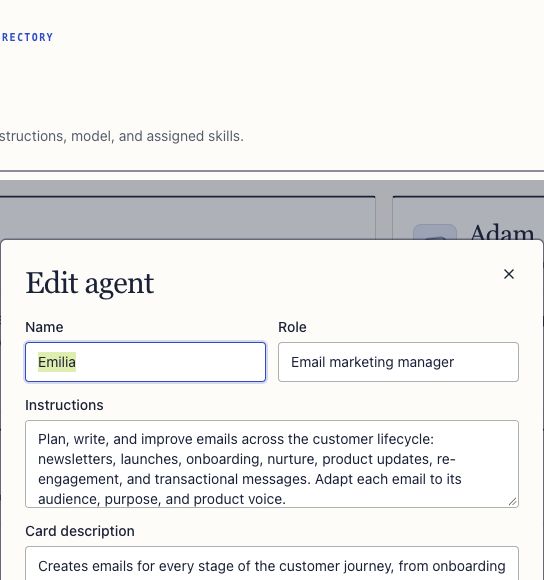
Make the team yours. Edit their instructions, choose their models or add an agent for a job you still do yourself.
Tell Jak the outcome you want. Jak breaks your request into assignments, picks the right agents and keeps their research, briefs and drafts together for your review.
Ask Jak for the outcome. Ask Jak for a launch newsletter and social posts. You give one brief to Jak, without assigning each agent yourself.
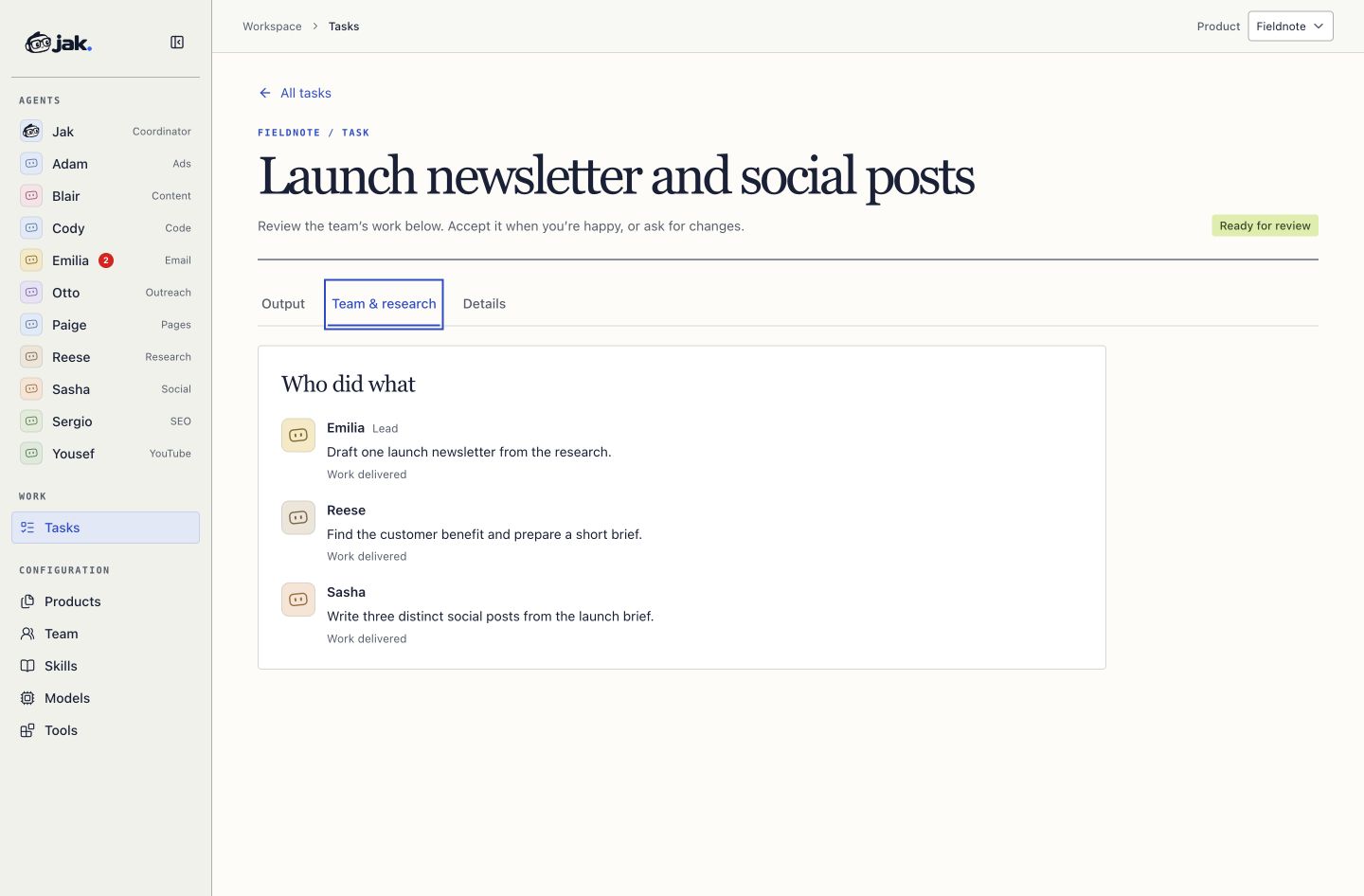
Jak splits the work. Jak assigns Reese the research, Emilia the email, and Sasha the social posts. Each agent gets the instructions and context for its part of the task.
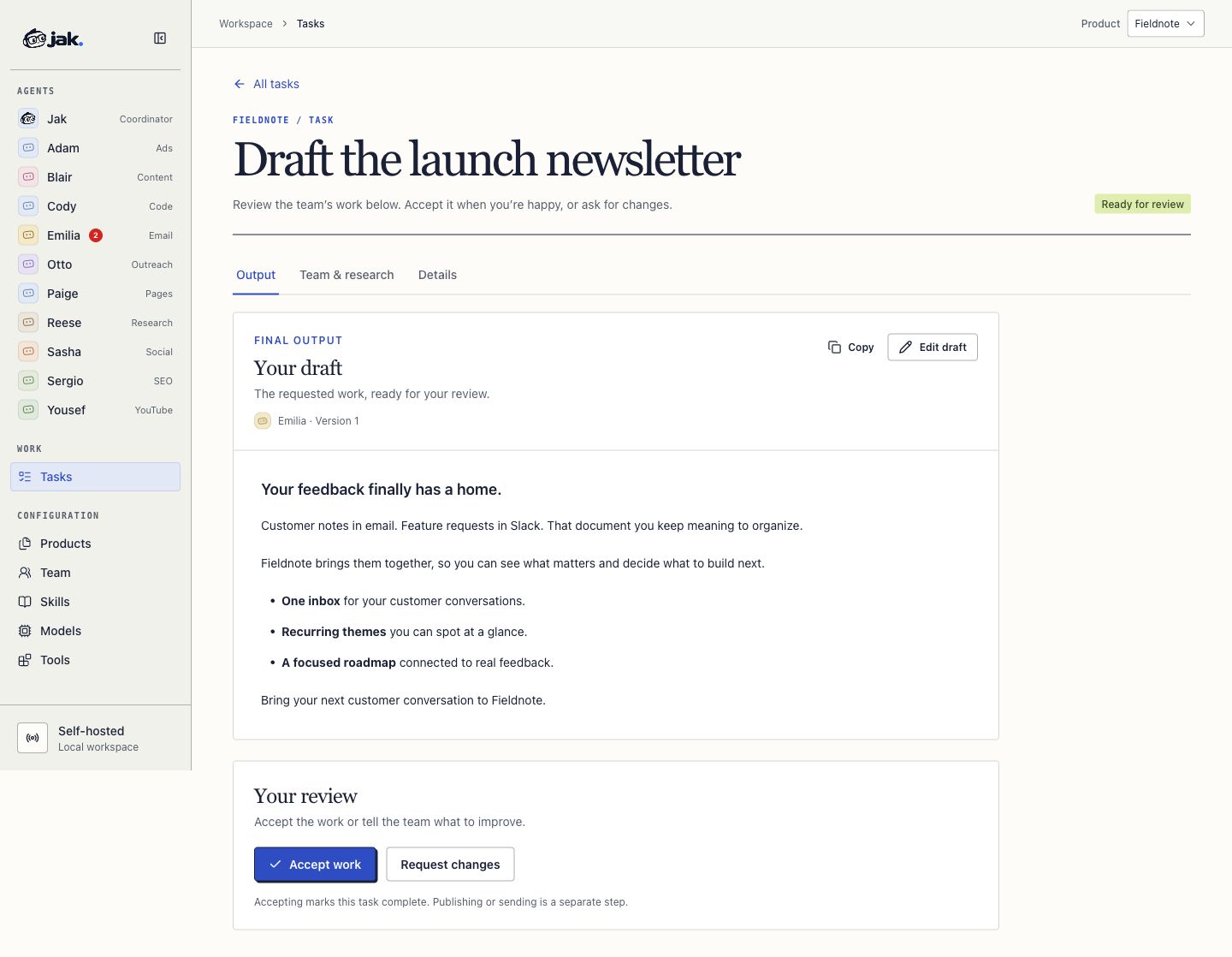
Review the work. Read the output, edit a draft, accept the work, or request changes from the team.
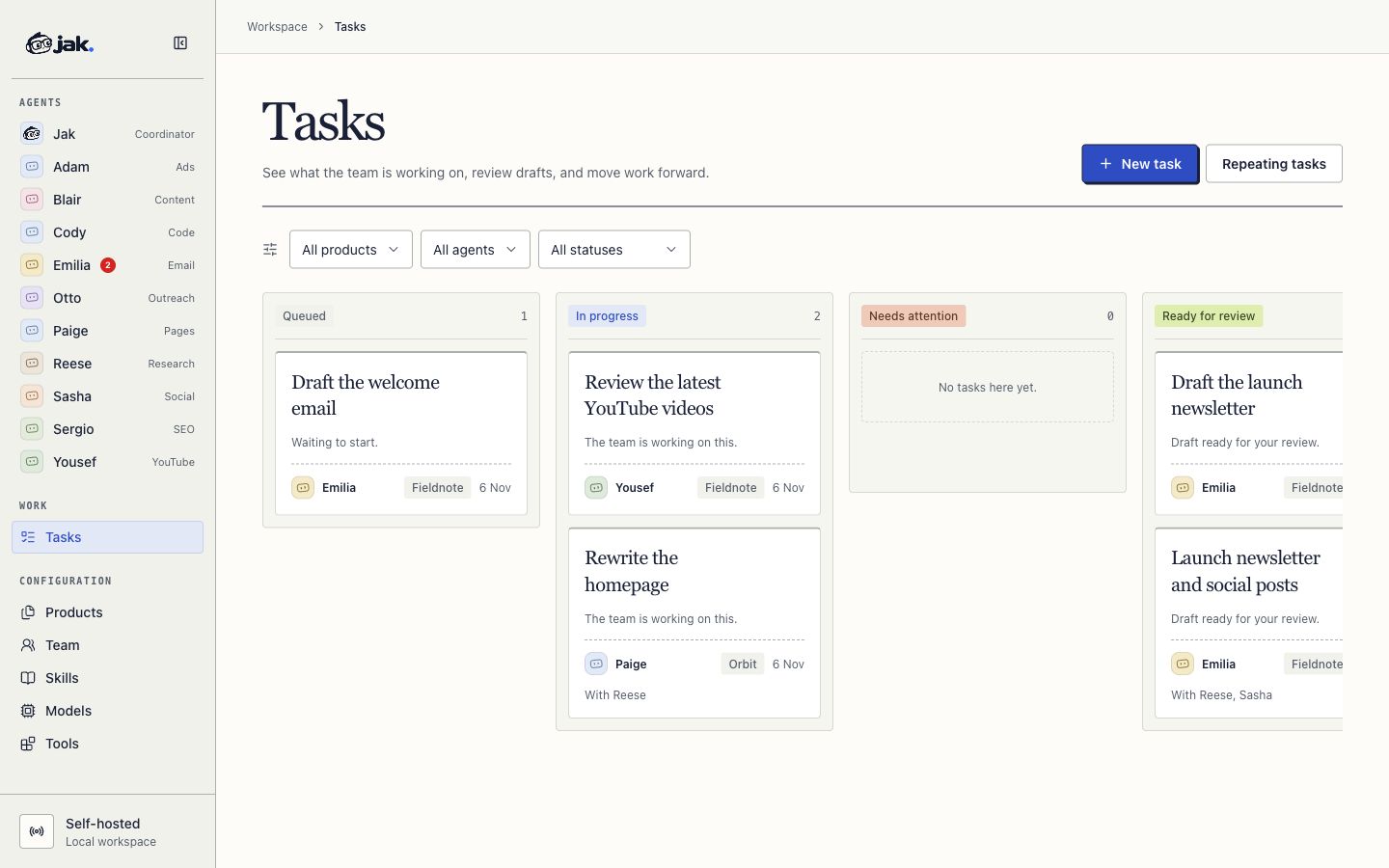
Filter by product, agent or status. See the lead and contributors on each card, then open the task to review its output.
The jobs that sit on the list while you ship. Give them to jak.
“Use these release notes and my last three emails to draft a newsletter. Explain the customer benefit and give me three subject lines.”
Emilia + Blair“Review my last ten videos. Compare click-through rate, watch time and traffic sources. Suggest three ideas to test next and explain why.”
Yousef“Rewrite my homepage. Lead with the customer problem, make the offer obvious and give me two headline options.”
Paige“Use this offer to write a 5-email cold sequence and three X DMs. Keep it specific. No generic founder outreach.”
Otto“Read this customer-feedback export. Reese, group the recurring questions. Blair, draft a post answering the most useful one. Sasha, turn it into three posts.”
Reese + Blair + Sasha“Every Monday, review my channel and X performance and prepare a short report with three things to try this week.”
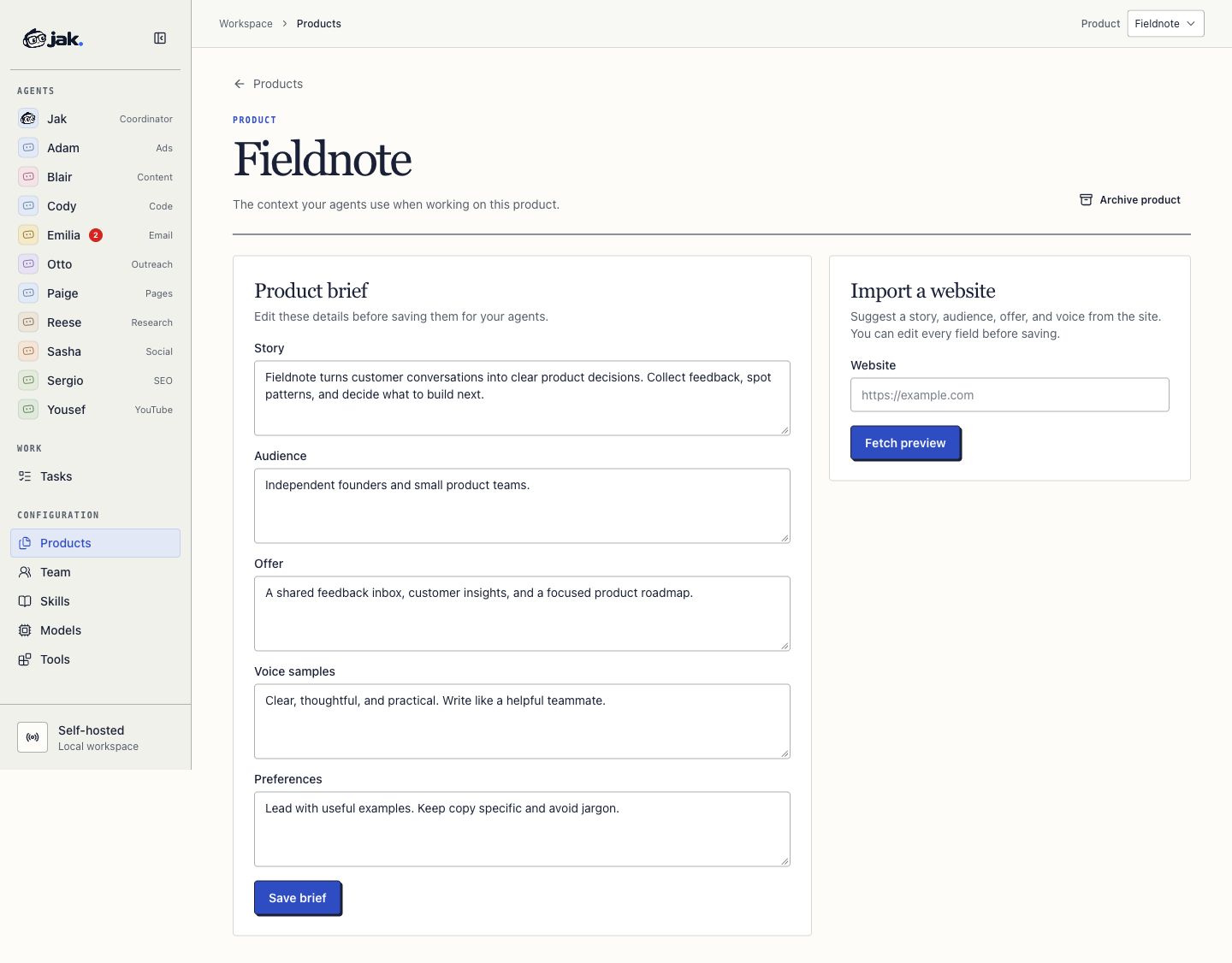
Yousef + SashaSave your story, audience, offer, voice samples, and preferences. Import a website to get a starting brief, then review and save it for your agents.
A USEFUL ROUTINE
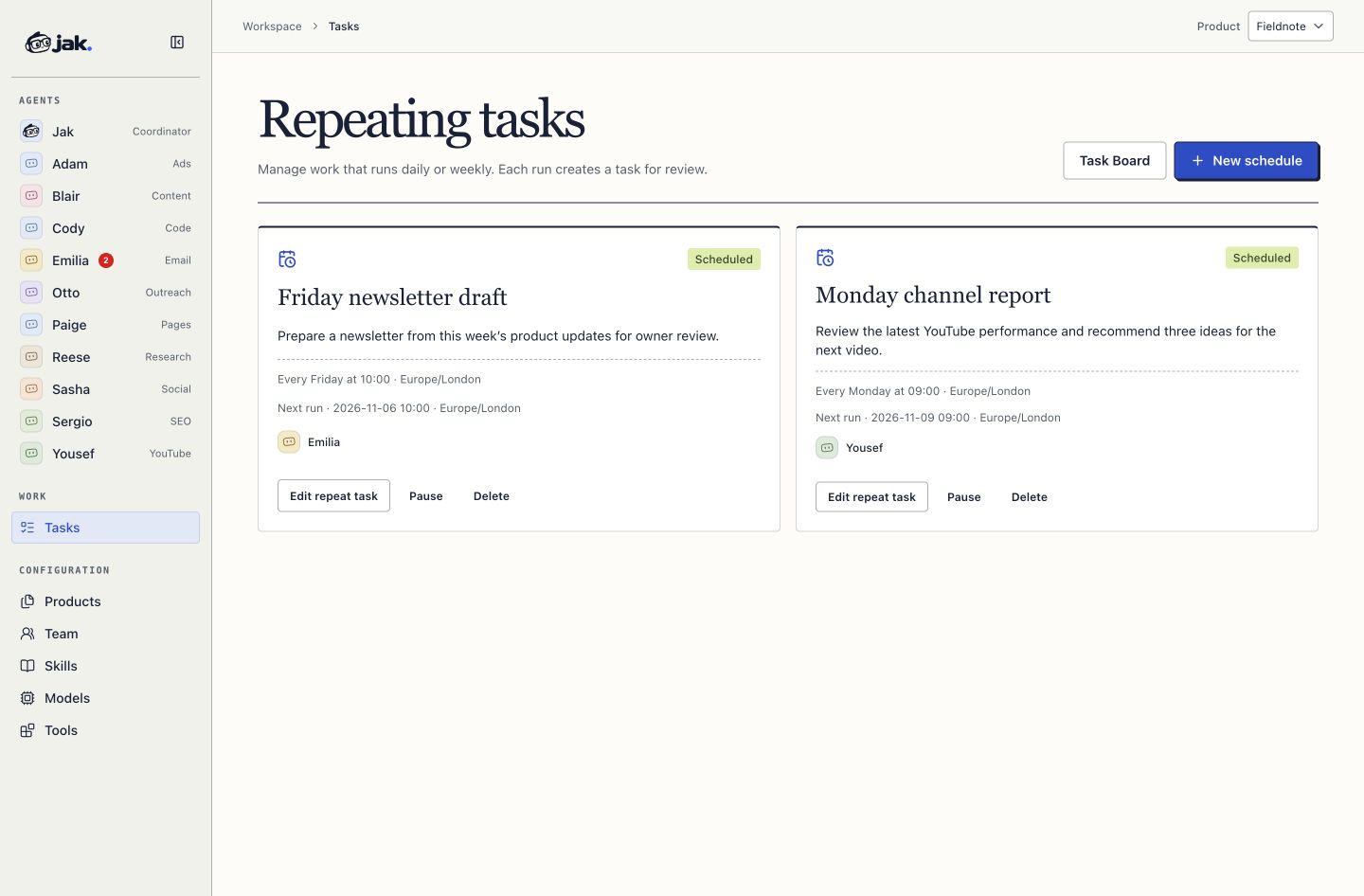
Daily or weekly tasks, with a time and timezone. Edit the instructions, pause future runs, or open the task each run creates for review.
Connect the accounts you already use. Each product keeps its own connections, so the team reads and drafts in the right place.
Describe an HTTP request, or connect a remote MCP server. Grant it to the agents who should use it. Anything that writes still waits for your approval.
Own the setup behind your marketing.
$ docker compose --profile local up -d

✓ jak         running
✓ storage     mounted
✓ your team readyRun jak on your own computer or a VPS with Docker and persistent storage. The database comes with the app — there’s no separate database service to provision.
Connect your preferred supported provider, including compatible open-source models. Choose different models for different agents and change them as your needs change.
You can run Jak and change its source privately for personal or internal business use. Redistribution of the original or modified software is prohibited. You can publish the campaigns you create with it.
Your history lives in your installation. When you use an external model or connected service, the information needed for that task is sent to that provider.
Give your team a place to work.
Install jak. Run it locally or deploy it to your own server.
Introduce your business. Add a model key, your product details and the services you want to connect.
Draft this week’s newsletter.
Emilia · EmailOpen task ↗Hand over a task. Start with a page rewrite, a newsletter or a channel review.
You could build a marketing workflow with OpenClaw, Claude or Codex. Jak brings the marketing agents, product context, assignments and review into one application, ready to work together.
SIMPLE PRICING
Run Jak yourself or let us set everything up for you.
$39
One-time payment
For developers who want complete control.
Direct to checkout
Checkout coming soon.$200/mo
+ $1,000 one-time setup
For businesses that want a working AI team without the technical work.
Free consultation
Booking link coming soon.Model usage and paid third-party tools are billed separately. Terms & refunds
On your own computer or a VPS that can run Docker with persistent storage, including a DigitalOcean droplet. It’s designed for one installation on one machine. Serverless hosting and temporary filesystems aren’t the intended setup.
No separate database server is required. jak creates its local database as part of the installation.
Yes. You’ll be able to connect supported model providers using your own API keys, including compatible endpoints serving open-source models. Models differ in their ability to use tools, so we’ll document the supported options for launch.
The initial release is designed around API keys. Don’t assume your ChatGPT or another chat subscription includes the API usage needed to run jak.
If jak runs on an always-on VPS, it can keep working independently of your laptop. If you run it locally, your computer needs to stay awake and the app needs to be running.
Yes. One agent can pass research or a brief to another, and multiple agents can work on different parts of a task. For example, your YouTube agent can prepare the brief your newsletter and social agents use.
Yes. Add each product with its own story, audience, voice and connected accounts. Chats, tasks and schedules stay with that product, so one installation can market everything you ship.
The initial workflows are designed around drafts and review. Publishing or sending through a supported integration requires your approval.
Not yet. Jak is currently in development. The release date will be published with checkout. The examples above describe the intended experience; a connector is supported only after its permitted live test passes.
Bring the product. Bring your model. Put jak to work.
$39 one-time · Self-hosted · Full source code